
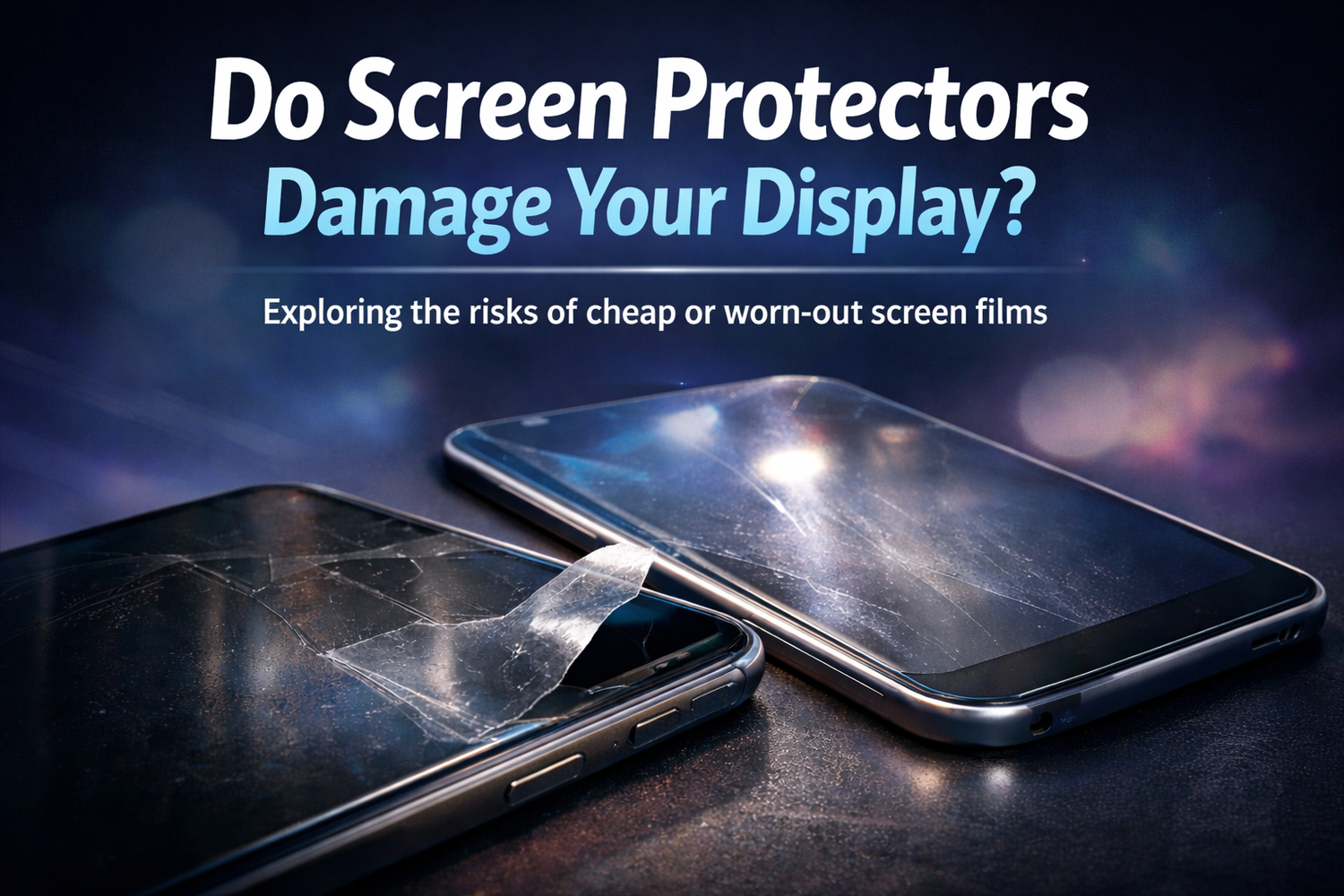
Do Finger Oils Really Damage Your Screen?
Finger oils won’t usually harm the glass itself, but they can speed up wear on protective coatings and trap grit that leads to micro-scratches. Here’s what’s happening—and how to keep your screen looking sharp.
Skin oils mostly cause smudging. The real long-term risk is that oils attract dust/grit, and frequent aggressive wiping can wear down the screen’s oleophobic (fingerprint-resistant) coating.

What Finger Oils Actually Do
Your skin naturally produces oils (sebum). Every tap, swipe, and scroll leaves a thin film behind. That film rarely “damages” the glass itself, but it can change how your screen looks, feels, and ages.
1) Smudge layer reduces clarity Visibility
Oils spread into a translucent haze that scatters light. In bright environments, this can make glare worse and the display feel less crisp.
2) Coatings wear faster over time Longevity
Many modern touchscreens use an oleophobic coating to resist fingerprints and keep the surface smooth. Repeated oil exposure plus frequent cleaning can gradually wear it down.
- Fingerprints show up faster and look darker
- The screen feels “stickier” under your finger
- It takes more effort to wipe clean
3) Oils attract grit (the real scratch risk) Micro-scratches
Oil is slightly tacky, so it can trap dust, sand, and pocket lint. When you wipe the screen with a sleeve or rough cloth, you can drag those particles across the surface—creating fine micro-scratches over time.
If you’re wiping screens constantly, you’re also slowly wearing down the factory coating. A protective film can take that abuse instead. If you want to see how our Screen ProTech Film works (and why it’s built for vehicle screens).

Do Oils Affect Touch Sensitivity?
Usually, no. Capacitive touchscreens are designed to work through normal skin contact and light residue. But heavy buildup—especially from lotion, sunscreen, or kitchen grease—can make the screen feel draggy and sometimes seem less responsive.
The Biggest Mistake: Cleaning the Wrong Way
A lot of “screen damage” happens during cleaning. Avoid the most common offenders below.
-
X
Paper towels or tissues
They can be surprisingly abrasive and leave lint behind. -
X
Harsh cleaners (ammonia/bleach/window spray)
These can degrade coatings and cause uneven haze. -
!
Scrubbing hard
Pressure + trapped grit is a recipe for micro-scratches.
How to Clean Safely (Fast & Effective)
- Use a clean microfiber cloth (like the kind used for glasses).
- If dry wiping isn’t enough, lightly dampen the cloth with distilled water or a screen-safe cleaner.
- Wipe gently in one direction, then finish with a dry section of the cloth.
- Wash microfiber cloths regularly—dirty cloths can smear oils or carry grit.
Simple Ways to Prevent Buildup
Wash hands first Easy
Especially before long sessions like gaming, reading, or work.
Be mindful of lotion Common
Freshly applied lotion transfers easily and makes smudges worse.
Use a screen protector Best shield
Let the protector take the wear instead of your original glass/coating.
Keep a small microfiber cloth nearby Pro tip
Quick, gentle wipes prevent heavy buildup. It’s easier to remove a thin film than to battle a greasy layer later.
Bottom Line
Finger oils don’t typically “ruin” a screen, but they do contribute to the slow grind: more smudges, more friction, more cleaning, and eventually more wear on fingerprint-resistant coatings. Clean gently, use the right materials, and you’ll keep your display looking sharp and feeling smooth.


Leave a comment
All comments are moderated before being published.
This site is protected by hCaptcha and the hCaptcha Privacy Policy and Terms of Service apply.